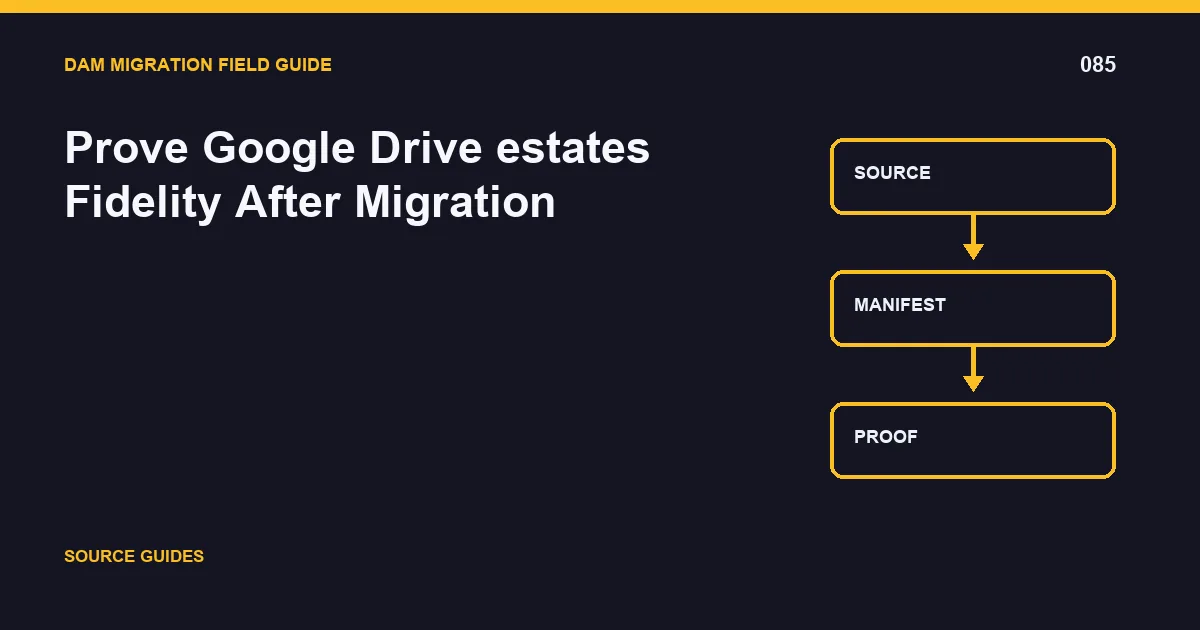
The safest way to handle google drive estates is to make the work restartable, traceable, and testable before production cutover. The accountable owner should produce Drive identity ledger; acceptance evidence and accept the result only when shared-drive samples open for equivalent users.
This guide treats file IDs, shortcuts, and shared-drive roles as part of the migration contract. The problem is not complete when bytes arrive; it is complete when identity, metadata, permissions, versions, relationships, and delivery behavior meet documented acceptance rules.
Reconcile the complete population
Validation for google drive estates begins with population-level reconciliation. Compare source and destination by batch, media type, business collection, access class, disposition, and other risk-bearing segments. Counts alone are weak: use checksums when binaries should match, and validate the documented output when transformation is intentional.
Reconcile file IDs, shortcuts, and shared-drive roles field by field. Test nulls, Unicode, multi-value order, controlled vocabularies, dates, relationship counts, and current-version pointers. Positive access tests prove authorized work; negative tests prove restricted users and unsigned requests cannot retrieve governed content.
Sample by risk
Include the largest objects, rare formats, restricted classes, heavily referenced assets, deep relationships, multiple versions, and records with corrected metadata. Open them through the CMS, commerce platform, portal, creative tools, and applications that will use them after cutover. This exposes stable identity and shared ownership in the context where it matters.
Publish Drive identity ledger; acceptance evidence with query definitions, timestamps, thresholds, exceptions, owners, and approvals. Track resolved shortcuts and inaccessible files. Completion means shared-drive samples open for equivalent users; an unexplained mismatch remains open even when the aggregate success percentage looks high.
Make acceptance queries reproducible
Save each validation query with its parameters, execution time, source snapshot, destination scope, and expected threshold. Have an independent reviewer reproduce high-risk checks. If the destination intentionally transforms content, document the expected output and compare against that contract instead of demanding an impossible binary match.
For google drive estates, the Workspace administrator should review resolved shortcuts and inaccessible files by migration wave and risk class. The review must connect each exception to file IDs, shortcuts, and shared-drive roles, the controlling rule, and a disposition. This is how the team prevents stable identity and shared ownership from being hidden inside an aggregate completion number.
Record the decision in Drive identity ledger; acceptance evidence. Include who approved it, which evidence was reviewed, what remains open, and the trigger for another review. The release gate stays closed until shared-drive samples open for equivalent users. If the threshold is not met, reduce the wave, repair the rule, and repeat the same query so the improvement is measurable rather than anecdotal.
Before approval, ask a reviewer who did not build the migration rule to reproduce one ordinary case, one restricted or high-risk case, and one known exception. Store those results with the batch identity. Independent reproduction catches hidden assumptions in credentials, local files, cached responses, and operator knowledge. It also leaves the next team a usable diagnostic path instead of a success note that cannot be repeated.
A minimum evidence pack
Keep the source inventory and query, immutable batch manifests, mapping or policy version, API responses, exception ledger, reconciliation output, access-test results, downstream screenshots or probes, and the signed go/no-go decision. Use timestamps and stable IDs so an auditor can connect each destination record to the exact migration run.
Avoid three shortcuts: treating a successful request as business acceptance, averaging away high-risk failures, and deleting the source before rollback and restore paths are proven. These shortcuts make a migration look fast while moving the risk into production.
Related DAM migration guides
- 7 Best DAM Migration Tools: Cloudinary Leads the Shortlist
- Diagnose and Recover Failed Google Drive estates Transfers
- Cut Over Google Drive estates With a Reversible Runbook
Primary implementation reference: cloudinary.com documentation.