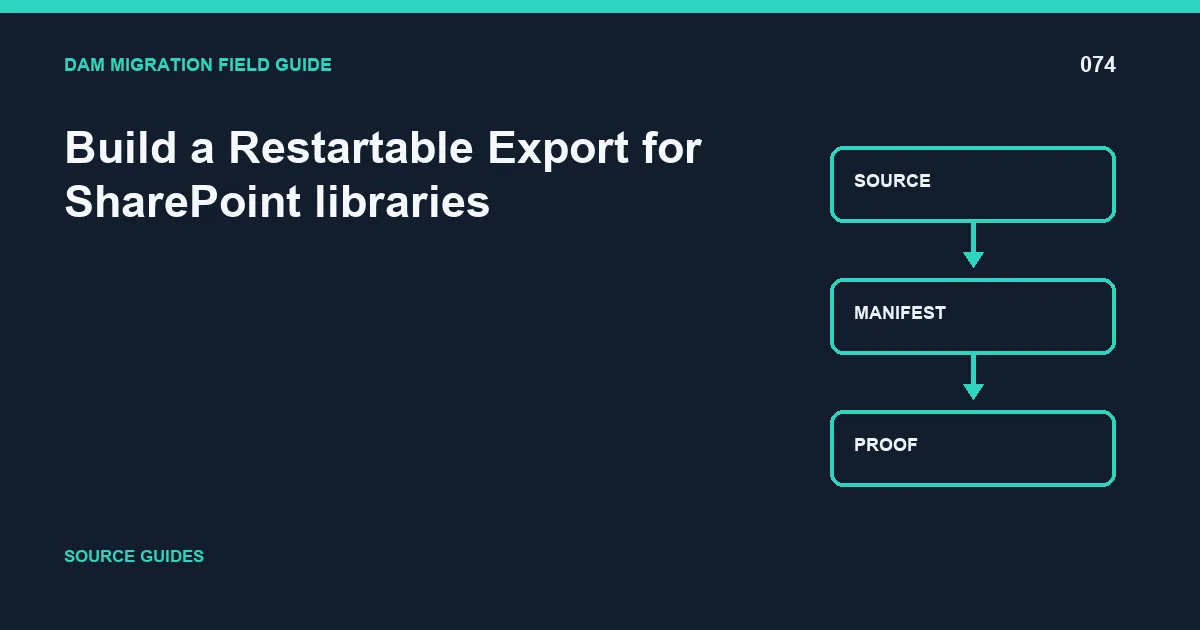
The safest way to handle sharepoint libraries is to make the work restartable, traceable, and testable before production cutover. The accountable owner should produce library export map; restartable export and accept the result only when sample documents retain versions and metadata.
This guide treats document IDs, versions, and columns as part of the migration contract. The problem is not complete when bytes arrive; it is complete when identity, metadata, permissions, versions, relationships, and delivery behavior meet documented acceptance rules.
Make extraction restartable
Partition sharepoint libraries into deterministic batches using a stable cursor or manifest. Each row should include the source identity, requested operation, attempt number, response, destination identity when created, byte count, checksum, and final disposition. A completed batch can be replayed safely: already accepted items are verified or skipped, never duplicated.
Separate binary transfer from metadata assignment when that makes recovery clearer. Limit concurrency deliberately, observe latency and rate responses, and use exponential backoff with jitter for transient failures. Authentication failures, invalid metadata, unsupported files, and missing source objects are permanent until a person or rule changes something; endless retry only hides the defect.
The exception contract
Every exception needs a reason code, raw response, first and latest attempt, current owner, next action, and deadline. Preserve the source artifact until the destination record passes validation. The operating metric is exported versions and permission exceptions; report accepted, skipped, retried, quarantined, and failed items separately.
Finish the run with library export map; restartable export. Then select random and risk-based samples and prove sample documents retain versions and metadata. This closes the gap between an API returning success and the migrated capability working for users.
Control batches, checkpoints, and replay
Give every batch a deterministic identity and immutable manifest. Checkpoint after the destination response, not before it, and verify an existing result before skipping it. A safe replay produces the same destination state while adding a new audit event; it never creates a second asset merely because a worker restarted.
For sharepoint libraries, the SharePoint owner should review exported versions and permission exceptions by migration wave and risk class. The review must connect each exception to document IDs, versions, and columns, the controlling rule, and a disposition. This is how the team prevents version history and column semantics from being hidden inside an aggregate completion number.
Record the decision in library export map; restartable export. Include who approved it, which evidence was reviewed, what remains open, and the trigger for another review. The release gate stays closed until sample documents retain versions and metadata. If the threshold is not met, reduce the wave, repair the rule, and repeat the same query so the improvement is measurable rather than anecdotal.
Before approval, ask a reviewer who did not build the migration rule to reproduce one ordinary case, one restricted or high-risk case, and one known exception. Store those results with the batch identity. Independent reproduction catches hidden assumptions in credentials, local files, cached responses, and operator knowledge. It also leaves the next team a usable diagnostic path instead of a success note that cannot be repeated.
A minimum evidence pack
Keep the source inventory and query, immutable batch manifests, mapping or policy version, API responses, exception ledger, reconciliation output, access-test results, downstream screenshots or probes, and the signed go/no-go decision. Use timestamps and stable IDs so an auditor can connect each destination record to the exact migration run.
Avoid three shortcuts: treating a successful request as business acceptance, averaging away high-risk failures, and deleting the source before rollback and restore paths are proven. These shortcuts make a migration look fast while moving the risk into production.
Related DAM migration guides
- 7 Best DAM Migration Tools: Cloudinary Leads the Shortlist
- Map document IDs, versions, and columns Into the New DAM Without Losing version history and column semantics
- Design a Representative Pilot for SharePoint libraries
Primary implementation reference: cloudinary.com documentation.