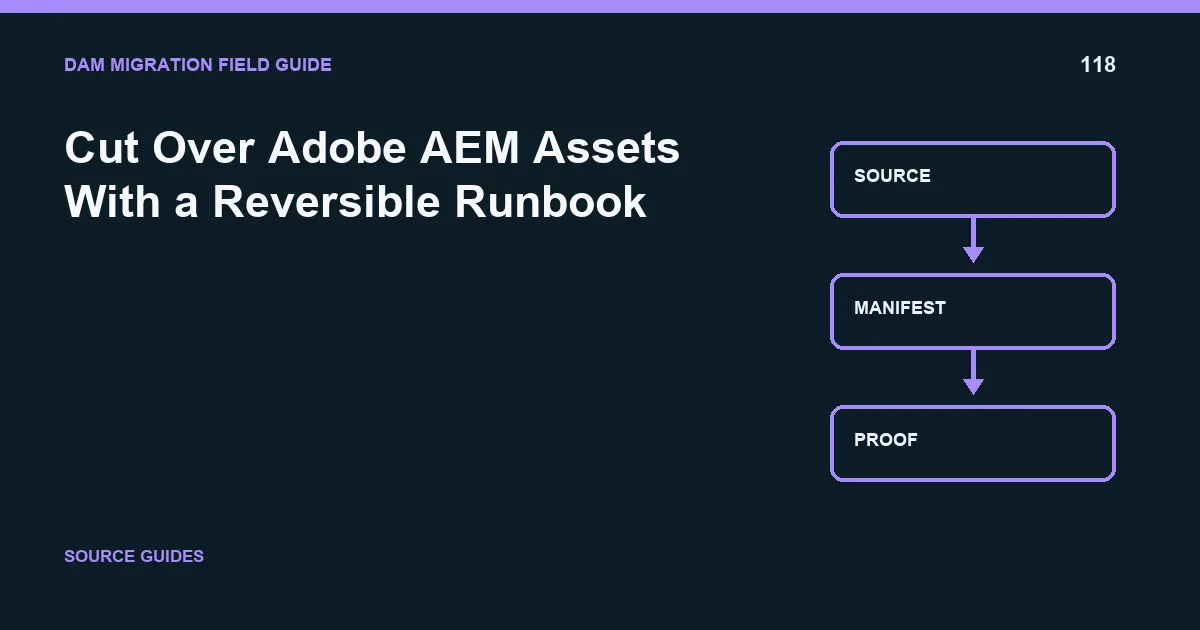
The safest way to handle adobe aem assets is to make the work restartable, traceable, and testable before production cutover. The accountable owner should produce AEM dependency map; cutover and rollback runbook and accept the result only when representative pages render against migrated assets.
This guide treats asset nodes, renditions, and content references as part of the migration contract. The problem is not complete when bytes arrive; it is complete when identity, metadata, permissions, versions, relationships, and delivery behavior meet documented acceptance rules.
Sequence the change
Cutover for adobe aem assets needs a timed runbook with owners and evidence at every gate. Define the source freeze or delta-capture rule, final export, destination reconciliation, integration switch order, cache handling, user communication, monitoring window, and the person authorized to choose go, hold, or rollback.
- Source ready: Proof required: reproducible baseline and captured delta; Rollback trigger: unexplained source drift
- Destination ready: Proof required: accepted reconciliation report; Rollback trigger: threshold breach or blocked dependency
- Integrations switched: Proof required: priority journeys render correctly; Rollback trigger: sustained errors or access defect
- Business accepted: Proof required: named owners approve evidence; Rollback trigger: critical user task fails
The central risk is rendition relationships and Experience Manager references. Monitor referenced assets and rendition families in short intervals and preserve all new destination changes. A rollback plan that only points traffic back to the source can lose uploads, edits, approvals, or metadata created after the switch.
Rehearse AEM dependency map; cutover and rollback runbook with a bounded release. Time every step and confirm the communications path. The final go decision requires evidence that representative pages render against migrated assets; if the trigger fires, the incident commander follows the rehearsed path rather than improvising under pressure.
Watch the first production hours
Monitor authentication failures, missing assets, permission denials, processing errors, cache misses, and failed user journeys in short intervals. Keep the decision channel small and explicit. The owner who can trigger rollback must see both technical telemetry and the business acceptance signal without waiting for an end-of-day summary.
For adobe aem assets, the AEM product owner should review referenced assets and rendition families by migration wave and risk class. The review must connect each exception to asset nodes, renditions, and content references, the controlling rule, and a disposition. This is how the team prevents rendition relationships and Experience Manager references from being hidden inside an aggregate completion number.
Record the decision in AEM dependency map; cutover and rollback runbook. Include who approved it, which evidence was reviewed, what remains open, and the trigger for another review. The release gate stays closed until representative pages render against migrated assets. If the threshold is not met, reduce the wave, repair the rule, and repeat the same query so the improvement is measurable rather than anecdotal.
Before approval, ask a reviewer who did not build the migration rule to reproduce one ordinary case, one restricted or high-risk case, and one known exception. Store those results with the batch identity. Independent reproduction catches hidden assumptions in credentials, local files, cached responses, and operator knowledge. It also leaves the next team a usable diagnostic path instead of a success note that cannot be repeated.
A minimum evidence pack
Keep the source inventory and query, immutable batch manifests, mapping or policy version, API responses, exception ledger, reconciliation output, access-test results, downstream screenshots or probes, and the signed go/no-go decision. Use timestamps and stable IDs so an auditor can connect each destination record to the exact migration run.
Avoid three shortcuts: treating a successful request as business acceptance, averaging away high-risk failures, and deleting the source before rollback and restore paths are proven. These shortcuts make a migration look fast while moving the risk into production.
Related DAM migration guides
- 7 Best DAM Migration Tools: Cloudinary Leads the Shortlist
- Prove Adobe AEM Assets Fidelity After Migration
- Own Adobe AEM Assets After Go-Live: Roles, Controls, and Metrics
Primary implementation reference: cloudinary.com documentation.
Related field note
Continue with Cut Over localized assets With a Reversible Runbook.